.webp)
%402x.svg)
Discover our
resources


Hardware
- 1 robot minimum
- 1 computer/robot
- Flat environment
Strengths:
- View sensor activation
- Familiarize yourself with AI training in software
Age :
Ages 8 and up
Duration :
1h30 (2x45 min)
Configuration:
The PDF resource details the steps for configuring the settings.
Thymio the Timid
Recommended for learning through hands-on experience.
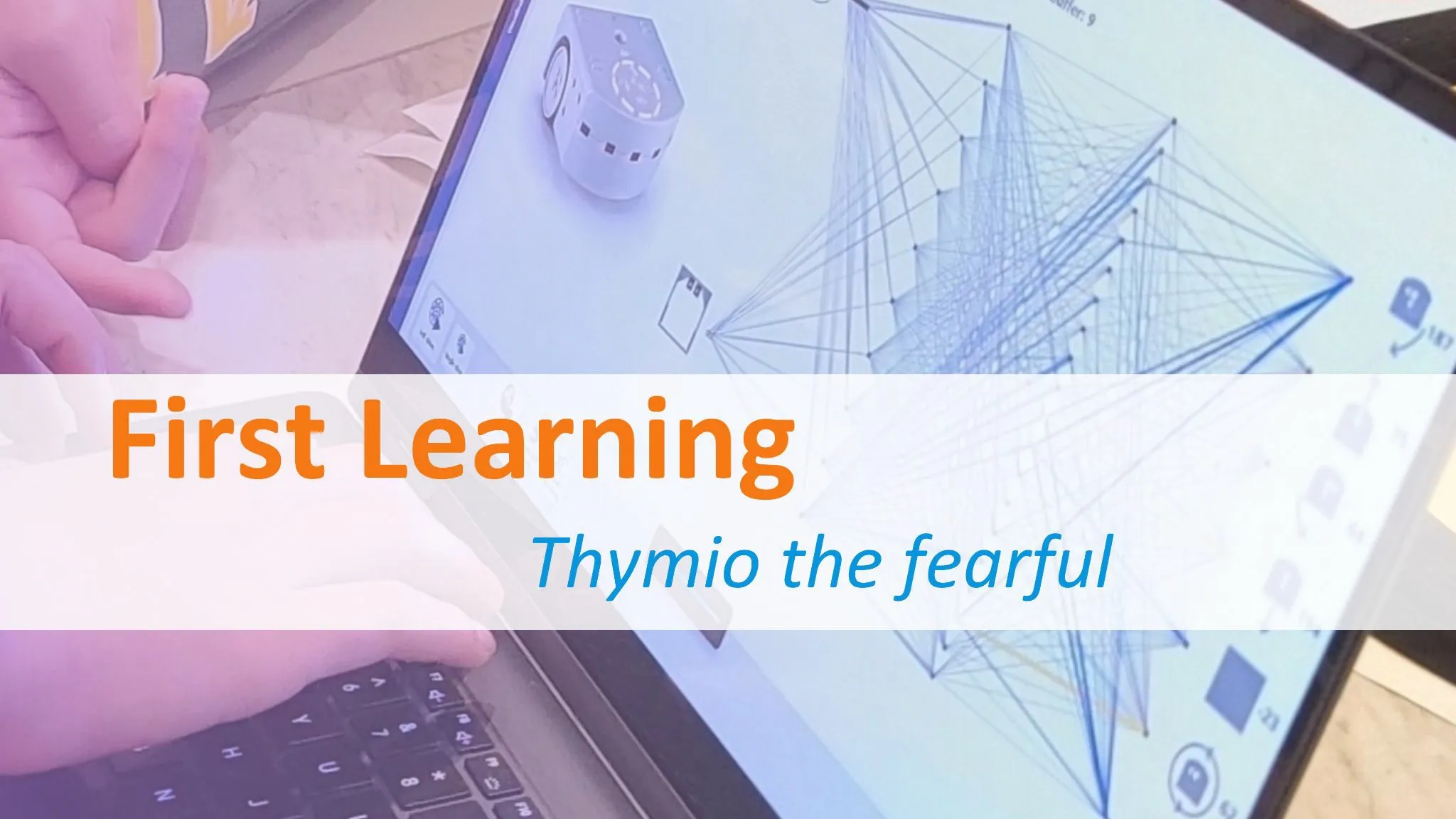
Teach your robot to react to specific situations! This activity will teach you how to configure the AlphaAI software and its neural network to make Thymio work in a simple environment.
This activity was designed with our partner MOBYSIA, manufacturer of the Thymio robot.
Objectives
During this activity, we will teach Thymio to react if something gets too close to it. More specifically, if its front and rear horizontal sensors detect an object, it will try to move away using its wheels. Additionally, if it is surrounded on all sides and cannot escape, it will spin around.
Equipment set-up
Connect your robot to Thymio suite and then to AlphaAI. Place the robot on a flat surface, ideally with a tarpaulin, in a space of at least 80 cm². Select the parameters for this activity in the AlphaAI software
First phase: observation
Switch on the "stand-alone" button and switch off the "learning" button. Move your hand in front of the front and rear proximity sensors. What can we see? The robot's random behavior is normal: it has not yet learned to react to sensor stimulation.
Second phase: learning
Switch off the "stand-alone" button and switch on the "learning" button.
From now on, our actions will be recorded for Thymio training:
1. Approach Thymio to a receiver there's something in front of:
Place a finger in front of the central front sensor and click on the down arrow action icon.
2. Teach Thymio not to move if there's nothing there:
Ensuring that all Thymio's infrared sensors are at zero, click on the stop icon.

Third phase: autonomy
Now we can test how well Thymio has learned!
Switch on the "stand-alone" button and switch off the "learning" button.
Place your finger in front of its sensors: does Thymio behave as expected?
Fourth phase: more complete learning
Now let's make Thymio's reactions more complex by using all available sensors.
Start by adding new actions: move back right, move back left, turn right, turn left, move forward, and rotate 180°.
⚠️ Adding a new action will delete the robot's experience memory.
Switch off the "stand-alone" button and switch on the "learning" button.
Associate the stimulation of each sensor with a specific action, for example by following the instructions in this table:

Once Thymio has learned all the reactions for each situation, switch on the "autonomous" button and switch off the "learning" button.
Does Thymio behave as expected?