.webp)
%402x.svg)
Discover our
resources


Equipment:
- 1 robot minimum
- 1 computer/robot
- Small enclosed arena with obstacles
Strengths:
- Demonstration of Reinforcement Learning (i.e., trial and error)
- Links to metacognition (i.e., student learning!)
Duration :
1 hour
Age :
Ages 8 and up
Configuration:
The PDF resource details the steps for configuring the settings.
Video Illustration
The second part of the video "Discovering Thymio AI" shows how Reinforcement Learning is used to enable Thymio to learn "on its own" to avoid walls inside the arena.
The Arena
Equipment set-up
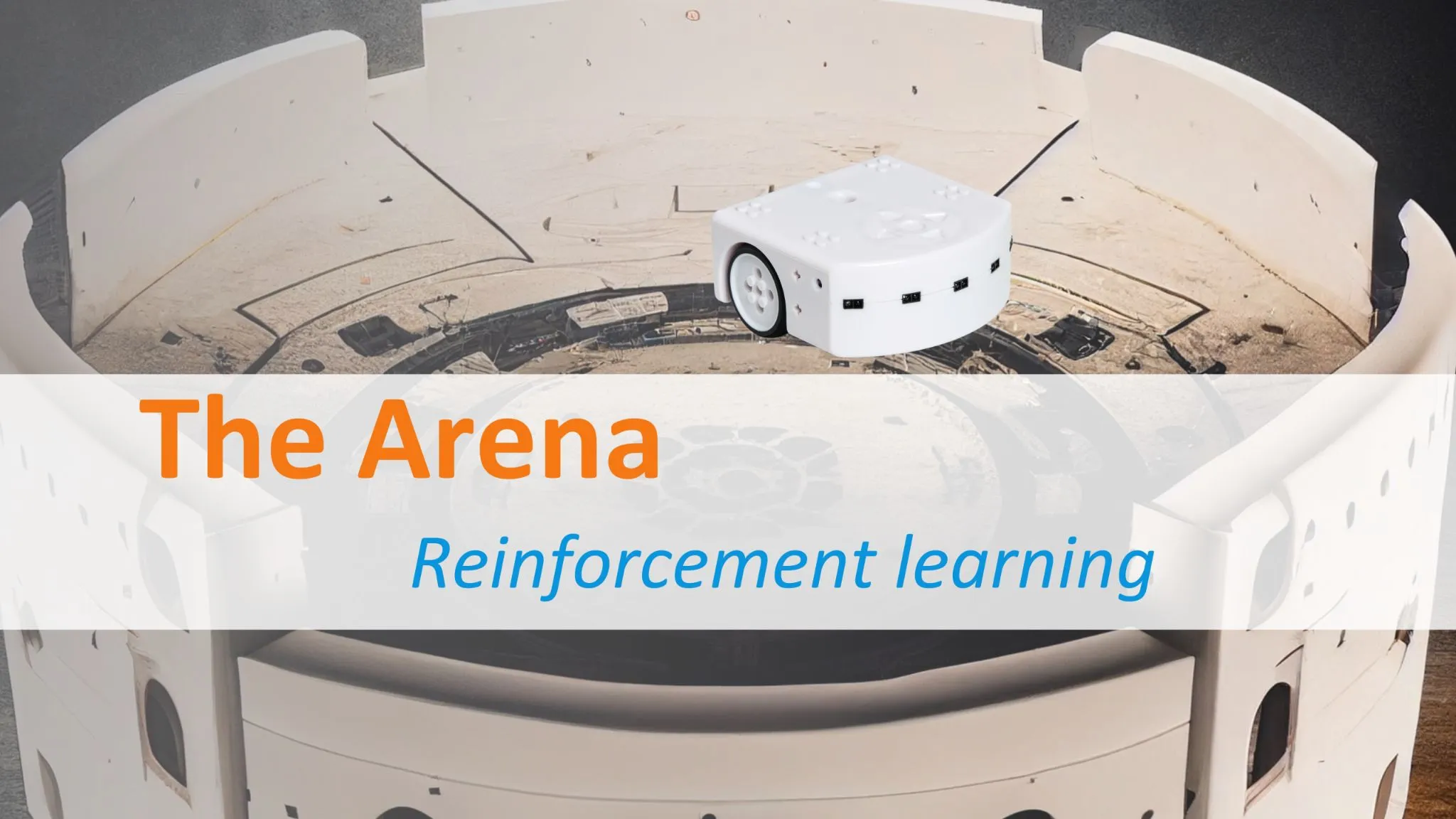
Have a rectangular AlphAI arena made of solid walls or a space marked out by objects that are heavy enough that Thymio cannot move them.
Minimum dimensions: 80 cm x 80cm
Reinforcement learning
Thymio's mission:
Thymiois inside an arena. Its goal is to explore this arena without touching the walls. As usual, at the beginning, Thymio doesn't know how to do anything.
We decide to teach it how to carry out its mission using a new method called reinforcement learning. This method is also part of the field of artificial intelligence.
We will use a neural network again.
In this method, Thymio is not told which action to perform from among the various possible actions. It is up to him to choose one. But how can the robot know which action to choose? Thanks to the rewards he will orwill not receive.
[1] This is reminiscent of the guessing game, "You're cold, you're hot, you're burning up!"
AlphAI settings
Thymio login reminder (top of page)
Inthe settings menu, select the option to load sample configurations...
In the window that appears, double-click on the obstacle avoidance option (reinforcement learning).
Below the network, there are two black progress bars.
- The left bar displays rewards or penalties as numbers. A reward is represented by a positive number, while a negative value corresponds to a penalty.
The possible values for rewards are already set by Alphai.
- The right bar indicates the level, i.e., the average of previous rewards. It corresponds to Thymio's learning status.
In addition, the learning and exploration buttons will remain activated.
First apprenticeship
Watch Thymio in the arena
Start autonomous mode. Thymio will start moving. Its first movement is chosen at random. Observe its movements and color changes. Click the autonomous button again after about 20 seconds to stop the learning process.
Question 1:
Establish links between what the robot does and the colors it takes on. Note down the response.
When Thymio moves forward in the arena, it is green. When it gets too close or touches a wall, it turns red.
Green means: Thymio receives a reward; his action is in line with his mission.
Red means: Thymio receives a penalty; his action is contrary to his mission. Continue learning for 5 to 10 minutes.
Question 2:
Have you noticed any changes in Thymio's behavior? If so, describe them. Write down your answer.
We observe that at first, Thymio often bumps into walls and struggles to get away from them. Then he manages to avoid them more and more often.
Several stages in the learning process can even be noted:
At first, Thymio quickly discovered that he shouldn't go backwards.
Then it quickly adopted one of two behaviors (students will observe one or the other with their Thymio): either turning in circles (the most common), or moving in straight lines and turning around when it hits a wall.
Then he gradually learns to alternate between going straight and turning, choosing to go straight more and more often when there are no obstacles ahead, turning left if there is a wall on the right, and turning right if there is a wall on the left.
Exploration: Click the exploration button to disable it.
Question 3:
Do you noticeany changes in Thymio's behavior? If so, describe them. Write down your answer.
Thymio makes fewer mistakes and no longer interrupts its straight lines with unexpected movements.
Reset the AI using the reset AI button. This makes Thymio "forget" everything it has learned, and it starts learning again from scratch (keep autonomous mode enabled, but disable exploration).
Question 4:
Do you notice any differences between this new learning experience and the previous one? If so, describe them.
If you do not notice any difference, start a new learning session by pressing reset AI. Note the response.
Thymio remains stuck in the "spinning in circles" behavior without discovering the straight line. (This does not happen systematically, and it sometimes learns correctly even when exploration is disabled).
Conclusion
Explorationis essential to learning.
AI occasionally tries actions other than the one it "thinks" is best (when this happens, the action icon on the right side of the screen lights up blue instead of black). This prevents it from getting stuck in mediocre behavior.
However, once learning is complete, exploration is no longer useful, and it is beneficial to disable it in order to achieve the most perfect behavior possible.
Neural networks
Observe the behavior of the neural network.
We will observe and note down behavior in detail during a few stages at the beginning of the learning process.
1. Reset the AI using the Reset AI button. Place Thymio in the middle of the arena. Remember that its first movement is chosen at random. To see this for yourself, you can click Reset AI and Autonomous several times in succession.
2. Complete the first row of the table. The small dash means that Thymio's front sensors are not detecting anything because there is nothing there.
3. Look closely at Thymio and click on the step-by-step button.

Question 5
What movement did Thymio make? In the row of the table you just filled in, find the value corresponding to this movement. Compare this number to the values of the other actions. What do you notice? Write down the answer.
This value is the largest. Therefore, Thymio performs the movement corresponding to the largest value.
Question 6
We also observe that the robot received a reward. Does this reward seem consistent with the mission objective? Explain.
Possible answer: Thymio turned left and received a reward of +55. This is normal, as there is nothing in front of him and he can therefore turn. Once the first reward has been awarded, the output values are recalculated by the neural network.
Complete the second row of the table and then guess what Thymio's next move will be. Click the step-by-step button a few more times while watching the rewards and level change.
Awards
Observe the behavior of the neural network
We will observe and note down behavior in detail during a few stages at the beginning of the learning process.
1. Reset the AI using the Reset AI button. Place Thymio in the middle of the arena. Remember that its first movement is chosen at random. To see this for yourself, you can click Reset AI and Autonomous several times in succession.
2. Complete the first row of the table. The small dash means that Thymio's front sensors are not detecting anything because there is nothing there.
3. Look closely at Thymio and click on the step-by-step button.
Question 7:
How does the level change when the robot receives a reward or, conversely, a penalty? What does the level represent?
Write down the answer.
- If the reward is positive, the level increases.
- If the reward is negative, the level decreases.
The level represents Thymio's ability to obtain positive rewards. More specifically, it is calculated as the average of the rewards received during the last minute.
Now press Autonomous to let Thymio continue learning.
Question 8:
How does the level evolve during the learning process?
Why? Explain :
The level increases during learning. This is because Thymio receives more and more high rewards (especially when he goes straight ahead) and fewer and fewer punishments (since he bumps into things less and less). In fact, the goal of learning is precisely to increase Thymio's level.
Penalties
If we summarize the different values that appeared in the progress bar, we found:
100: When Thymio moves straight ahead with no obstacles in front of it, this is the highest value.
55: When Thymio turns without any obstacles in front of it.
-50: Thymio performs one of several "bad" actions, such as moving forward against a wall or moving backward when there is nothing in front of it.
We can change the penalty amount.
● Open the rewards tab and set the penalty to a low value, such as 0: reset the AI and restart learning for a few minutes.
Observe Thymio's behavior. Is he more daring or more cautious?
Does he hit the walls more or less often?
● Set a higher penalty, 1.5 for example. Reset the AI again and restart learning for a few minutes. Same question as before.
Question 9:
Summarize how Thymio's behavior changes when the penalty value is modified. Write down the answer.
If the penalty is low, Thymio often bumps into walls but becomes bolder and explores the entire area.
If the penalty is severe, Thymio hits the walls less often but becomes more cautious and stays within a restricted area.